
May 28, 2025
Camera Settings Every New Wedding Photographer Should Know
If you’re just getting started in wedding photography or you’re a couple of seasons in and looking to level up your game—this post is for you. There’s a lot to think about on a wedding day: light, posing, timelines, details… and your camera settings can either help you feel confident or completely overwhelmed.
As a wedding photographer turned photography coach who’s photographed over 300 weddings, I’ve learned (sometimes the hard way) that the right camera settings can mean the difference between smooth sailing and a heart-dropping gear disaster.
So today, I want to share one of the most important—but often overlooked—camera setting tips every wedding photographer should know. Whether you’re searching for beginner-friendly camera settings for wedding photography or want to avoid common mistakes, this one’s a must.
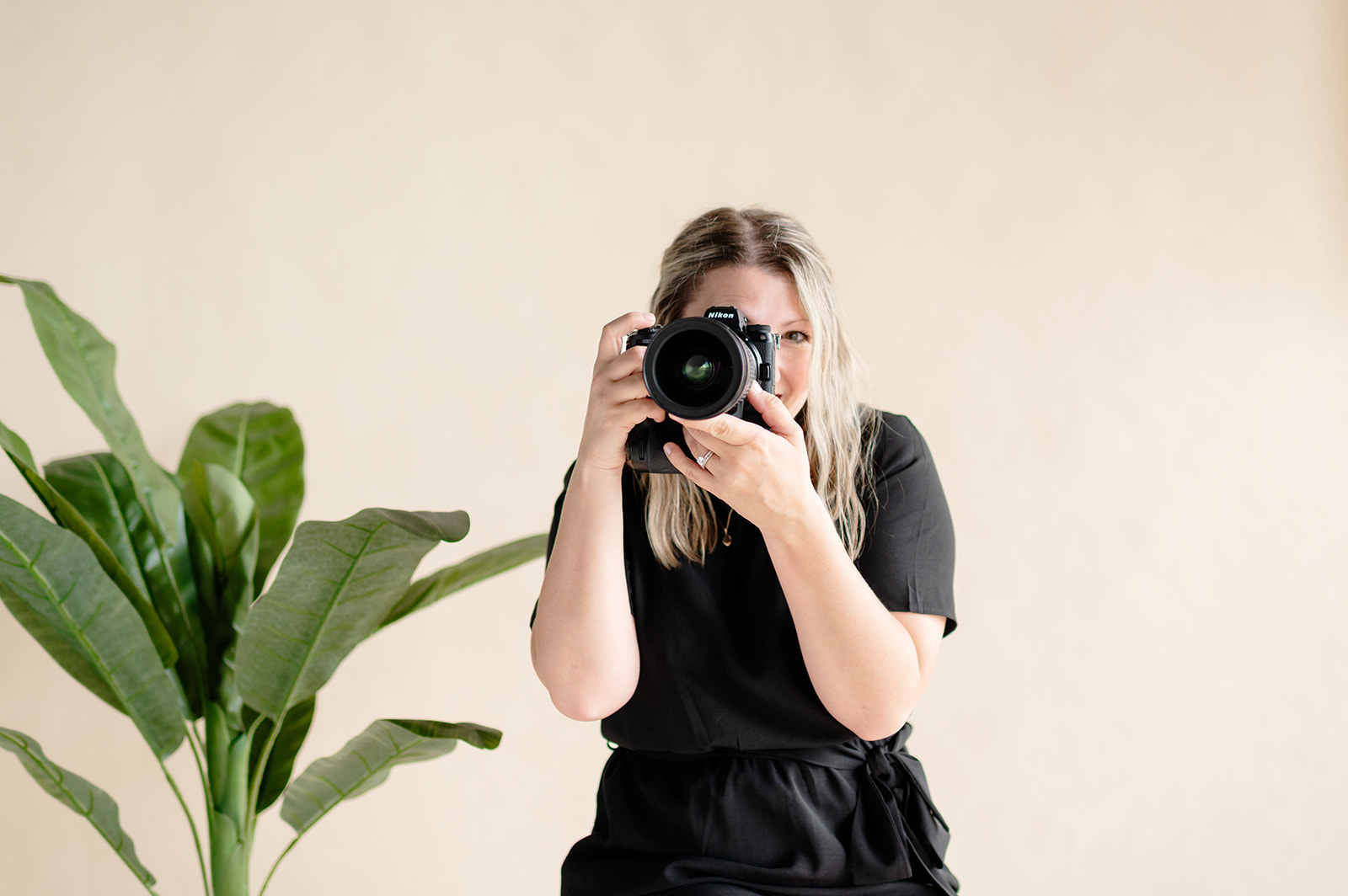
The One Setting I’ll Never Shoot a Wedding Without: Dual Card Slots
It might not be the flashiest feature, but it’s hands-down one of the most essential settings for wedding photographers.
If your camera has two memory card slots, you can enable a setting that writes every image to BOTH cards—essentially creating an instant backup of every photo you take.
Here’s why this matters:
- 📸 If one memory card corrupts, you’ve still got every image saved to the second card.
- 💾 You don’t have to cross your fingers during every upload.
- 🧘♀️ You gain peace of mind, which lets you focus on creativity, connection, and catching those once-in-a-lifetime moments.
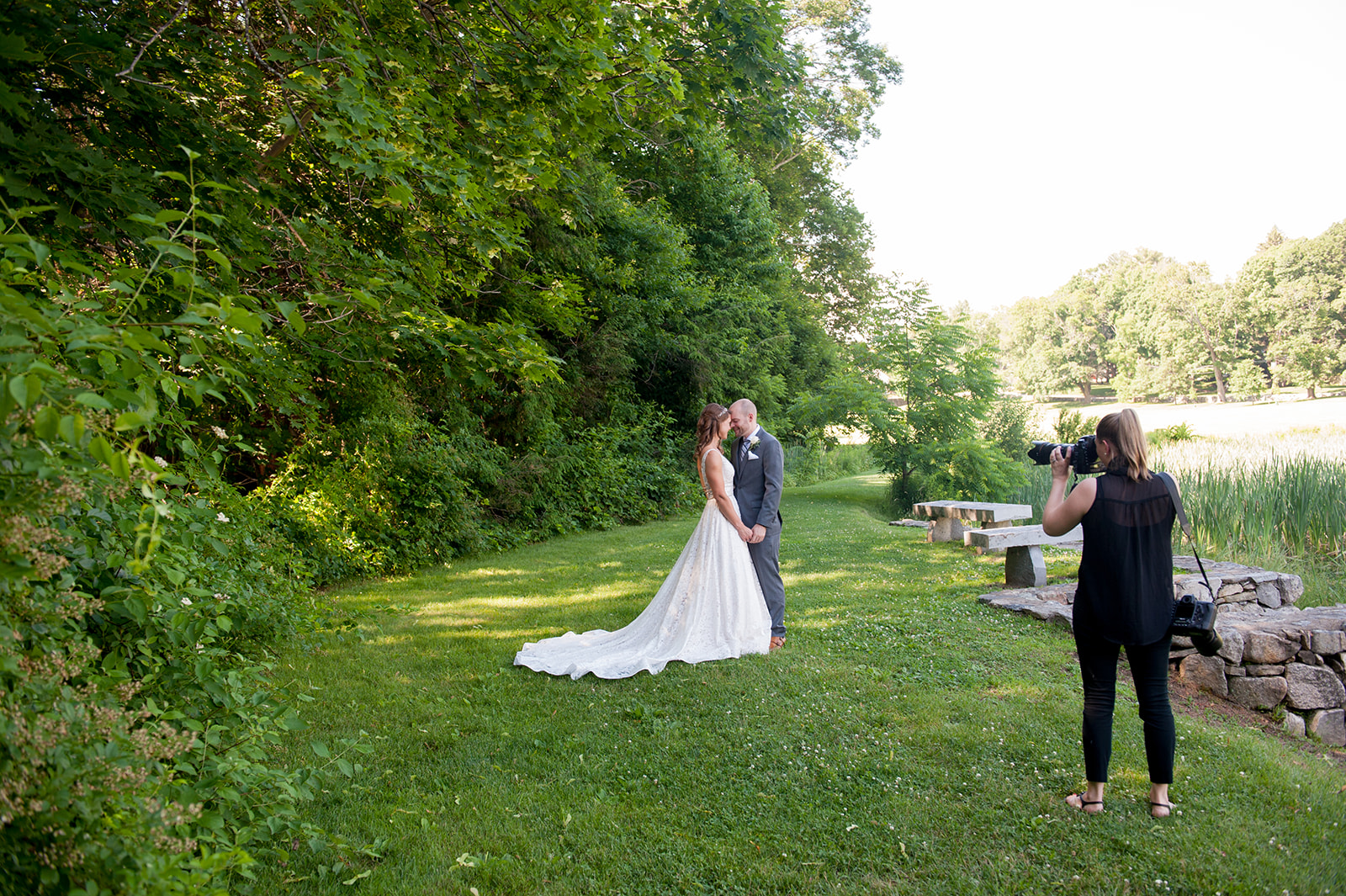
Real Talk: I Learned This Lesson the Hard Way
When my dog Gunner (who’s now a sweet old man!) was just a puppy, I came home from a wedding and laid my cards on the table to start backing up.
Gunner jumped up, grabbed one of them, and left a giant tooth mark right through it. 😳 If I hadn’t had dual card slots enabled, I would’ve lost a chunk of the wedding day images. Just the thought makes me cringe. But thankfully, I was covered. Because I had this setting turned on.
Moral of the story? Don’t take out memory cards with dogs or kids in the room 😂 and more importantly: enable dual card writing and keep your couples’ memories safe.
How to Enable Dual Memory Card Slot Recording
Every camera brand is different, and menus vary widely—but the good news is, most professional cameras with dual slots will offer a way to turn this on. Here’s the basic idea:
- Insert two memory cards into your camera.
- Go into your camera’s menu settings.
- Look for a setting like “Record Function,” “Dual Card Slot Settings,” or something similar.
- Choose the option that records to both cards—often labeled “Backup” or “Simultaneous Recording.”
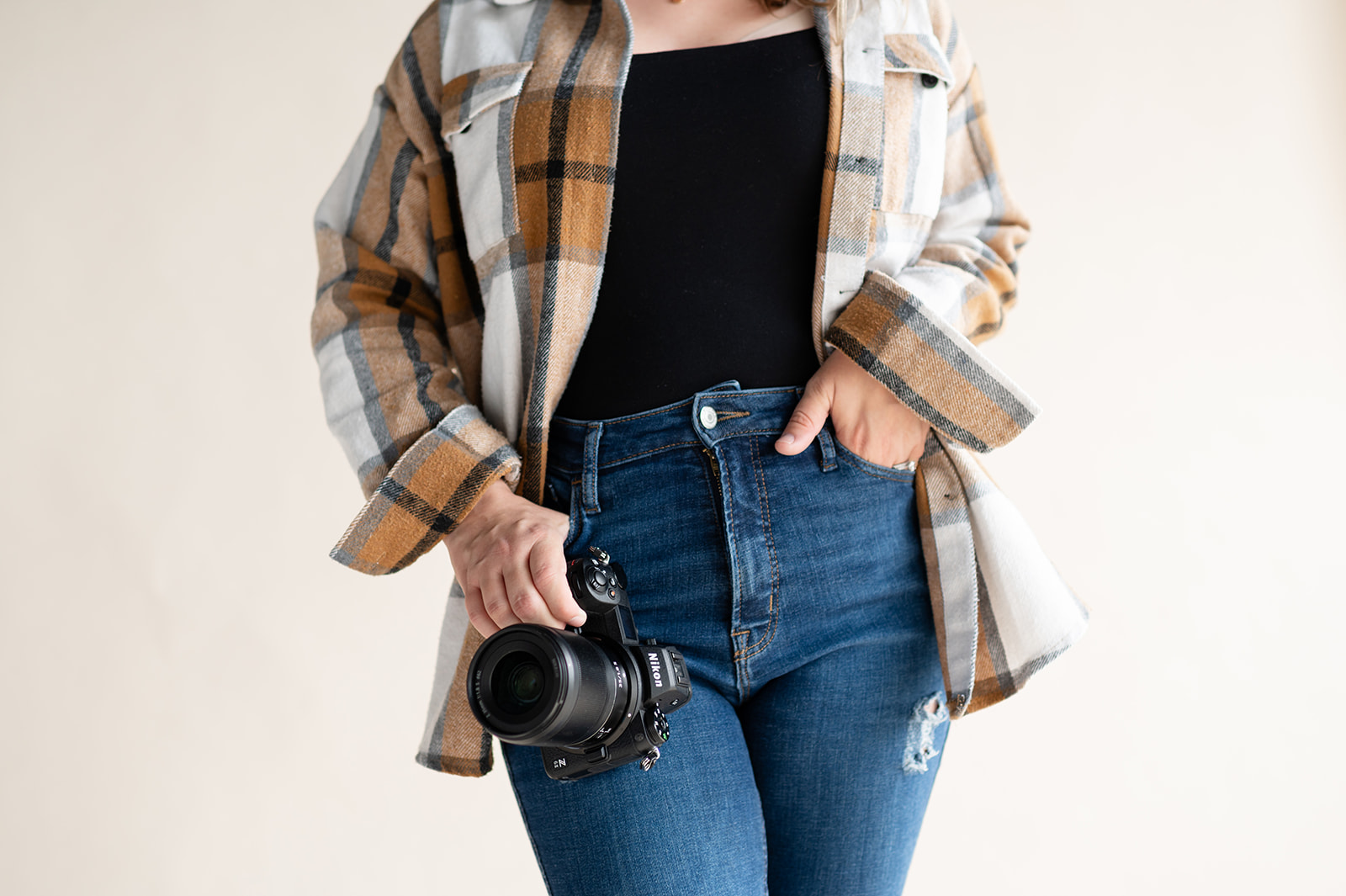
💡 Pro Tip: Make sure both cards are high quality, fast, and have enough space—don’t just throw in an old spare SD card.
Not all cameras have this feature, but if yours does, use it. If not, it might be worth considering an upgrade before next season.
🎥 Want help finding this setting? I made a quick Instagram Reel showing exactly where it is on Nikon cameras!
More Must-Know Camera Settings for Wedding Photography
If you’re new to weddings, here are a few more camera setting tips to lock in before showtime:
- Shoot in RAW – for maximum editing flexibility
- Use Manual Mode – so YOU control the light and exposure, not your camera (NOTE – Only use Manual Mode at a wedding if your confident in it. If you don’t know how to yet —start learning today! You will thank yourself later!)
- White Balance – A lot of pros use custom white balance, but I personally prefer to shoot in Auto White Balance (AWB) and adjust in post—it’s faster on a wedding day and one less thing to think about. BUT—only do this if you’re shooting in RAW. If you’re not, you could run into serious color correction issues.
- Check Your Focus Settings – I mostly single point for portraits, but eye tracking is amazing in low light and perfect for dancing and fast movement!
- Know Your ISO Limits – Test them ahead of time so you’re not guessing in the moment
These beginner-friendly camera settings for wedding photography can help you feel more prepared and confident on the big day.
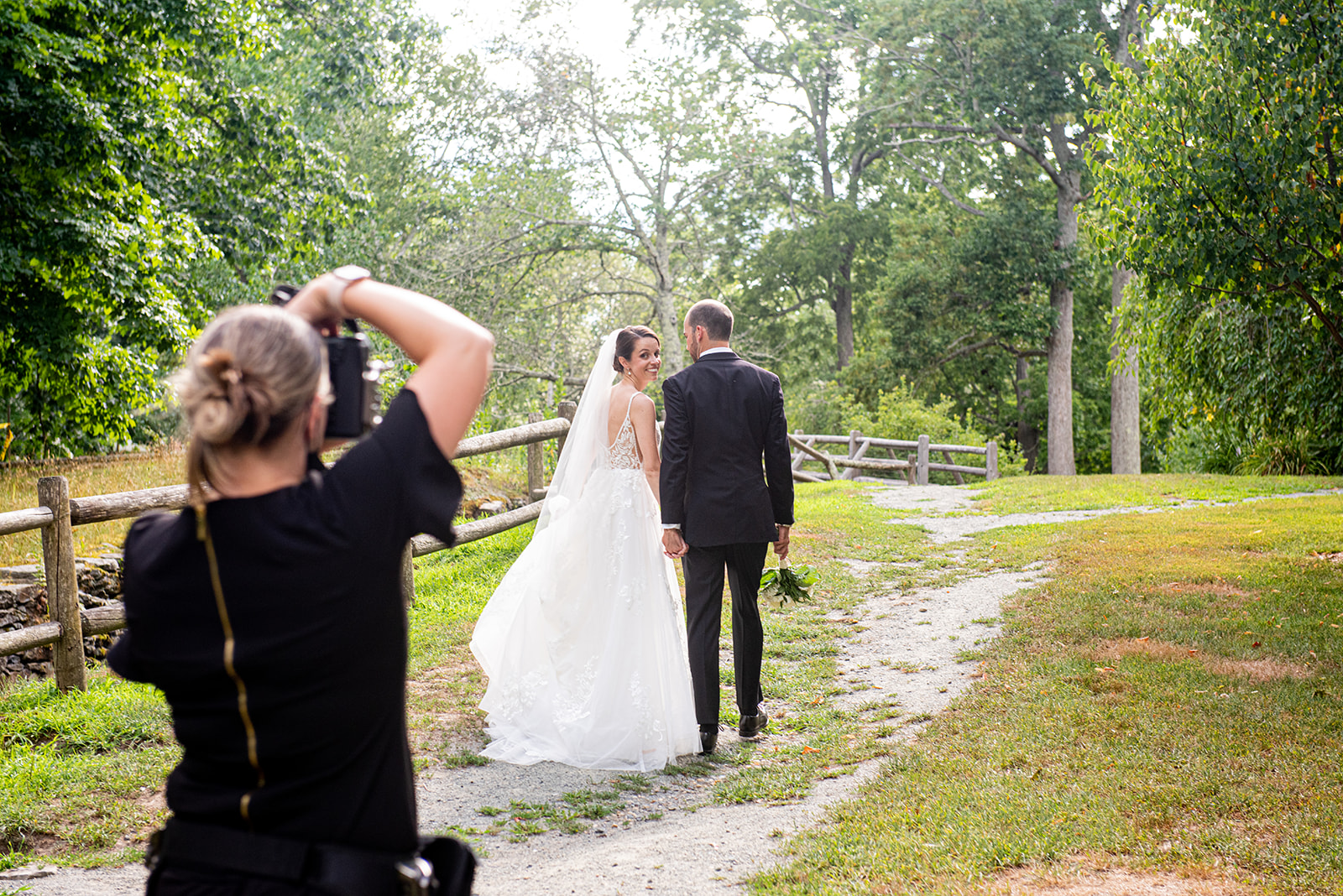
You Don’t Need to Be Perfect—You Just Need a Plan
You’re going to keep learning and improving every wedding you photograph. The goal isn’t perfection—it’s preparation. I know, I know… that’s hard to remember for us perfectionists.
Knowing your gear, locking in your camera settings, and building systems that support you (like dual card writing) can be the difference between panic and peace.
If you’re ready to level up even more, I’ve got resources that’ll help:
- A free guide on 8 Must-Have Wedding Timeline Questions (perfect for newer photogs!)
- The Go-To Second Photographer Master Class if you want to shoot more weddings and get rebooked again and again
📩 Grab them here and feel confident walking into every wedding day like the pro you are.
Final Thoughts
There are a lot of flashy camera features out there—but when it comes to wedding days, reliability beats trendy every time.
Start with settings that protect your work and make your life easier. Dual card slots? An absolute must. And if you’re still learning the ropes, don’t stress—start with the foundational camera settings for wedding photography and go from there.
You’ve got this—and I’m here to cheer you on every step of the way.
FAQ: Dual Card Slots for Wedding Photographers
Do I really need dual card slots for weddings?
Yes. Weddings are unrepeatable events. Dual card slots create an instant backup of every image so if one card fails, you still have a complete copy. It’s the simplest way to protect your clients and your business.
Is shooting RAW to two cards necessary?
Absolutely. RAW files hold the most data for editing, and recording RAW to both cards ensures you have a full-quality backup—not just small JPEGs.
Can I rely on backing up at the end of the night instead?
No. Cards can fail, get lost, or be damaged before you ever get home. Dual slot recording is the best way to protect images the moment they’re created.
What if my camera only has one card slot?
Consider renting or upgrading to a dual-slot body for weddings. If that’s not possible, shoot with two cameras to reduce risk of loosing everything.
Do both memory cards need to match?
No, but they should be similar speed and quality. Pairing a pro-grade card with an old slow card can cause buffer issues or slow performance.
Want more camera setting tips and behind-the-scenes strategies for your wedding photography business? Be sure to join my email list or DM me “TIPS” on Instagram and let’s keep growing together!
Affiliate Disclosure: This post contains affiliate links, which means I may earn a small commission at no additional cost to you if you purchase through the links provided. I only share products I use and love, and these two have honestly changed my life as a wedding photographer.